
Automatically Sync Vimeo Videos To WordPress
Keep your WordPress site automatically updated with your latest Vimeo videos with Vimeo WordPress plugin Vimeotheque – no manual imports or updates required.
Automatically import and sync Vimeo videos to WordPress — no manual updates required.
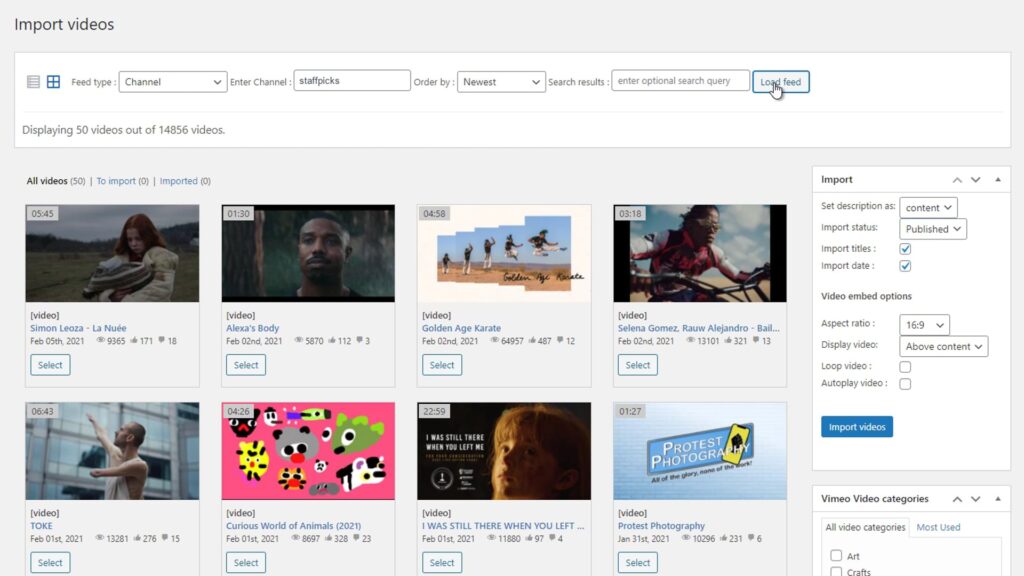
Manually Updating Vimeo Videos Is Time-Consuming
- No automatic updates
- Repetitive manual work
- Content quickly becomes outdated
- Hard to scale
Automatically Sync Vimeo Videos With WordPress
New videos are imported, existing ones are updated and your content stays consistent without manual effort. Auto sync works on top of the Vimeo import system.
Sync videos from Vimeo folders, showcases or portfolios automatically.
- Auto import new videos
- Update titles, descriptions and thumbnails
- Sync entire channels, folders or collections
- Keep your content always up to date
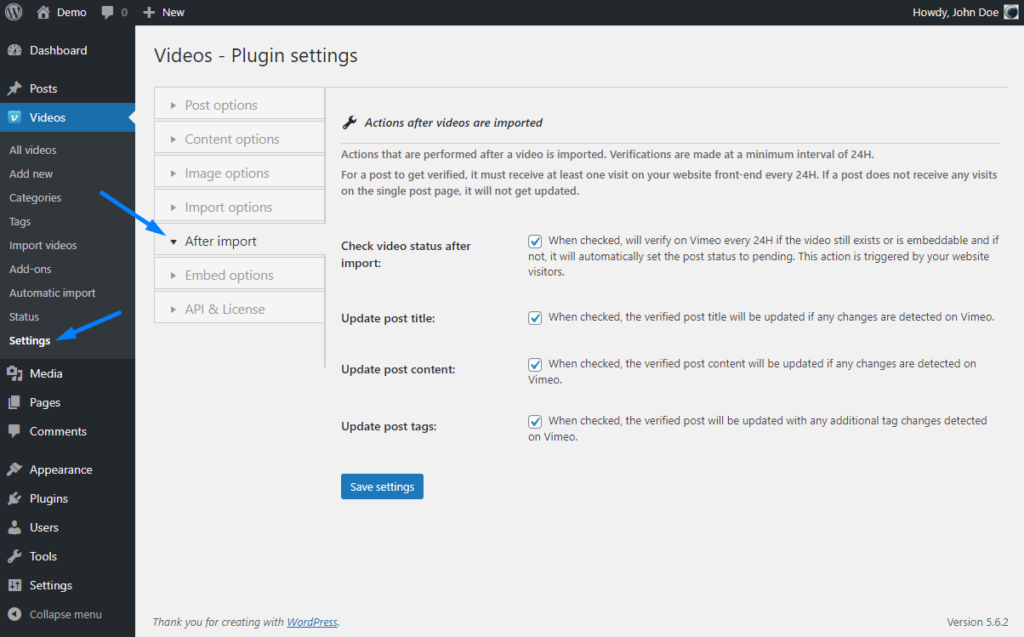
How to Sync Vimeo Videos into WordPress
Connect your Vimeo account
Select collections to sync
Choose the Vimeo folders, showcases or portfolios you want to syncronize with your WordPress site.
Enable automatic updates
* No technical setup required. Works with any WordPress theme.
Perfect For Dynamic Video Websites
Vimeo membership websites
Online course platforms (LMS)
Video content websites
Sync More Than Just Videos
- Titles
- Descriptions
- Thumbnails
- Categories
Embedding Vimeo Videos vs Using a WordPress Plugin
Manual updates
- Copy and paste embed codes
- No automation or workflow
- No synchronization with Vimeo
- Impossible to scale for large sites
Using Vimeotheque plugin
- Import videos automatically
- Sync content with Vimeo
- Import full metadata and thumbnails
- Built for scalable video websites
Frequently Asked Questions About Vimeo WordPress Plugins
How does Vimeo auto sync work in WordPress?
Vimeotheque connects to the Vimeo API and automatically imports and updates videos in WordPress based on your selected Vimeo folders, showcases or portfolios.