
Vimeo API Integration for WordPress (No Coding Required)
Connect your WordPress website to Vimeo using the official API and automatically import and sync video content.
Vimeotheque is a powerful Vimeo WordPress plugin built on the Vimeo API.
Connecting Vimeo to WordPress Manually Is Complex
Using the Vimeo API directly requires authentication, token management and custom development.
For most WordPress users, this makes Vimeo integration difficult, time-consuming and hard to maintain.
- Requires coding and API knowledge
- Complex authentication setup
- Manual video management
- Hard to scale
Connect Vimeo to WordPress Without Coding
Vimeotheque handles the entire Vimeo API integration for you.
Once connected, you can import, sync and manage Vimeo videos directly inside WordPress without writing code.
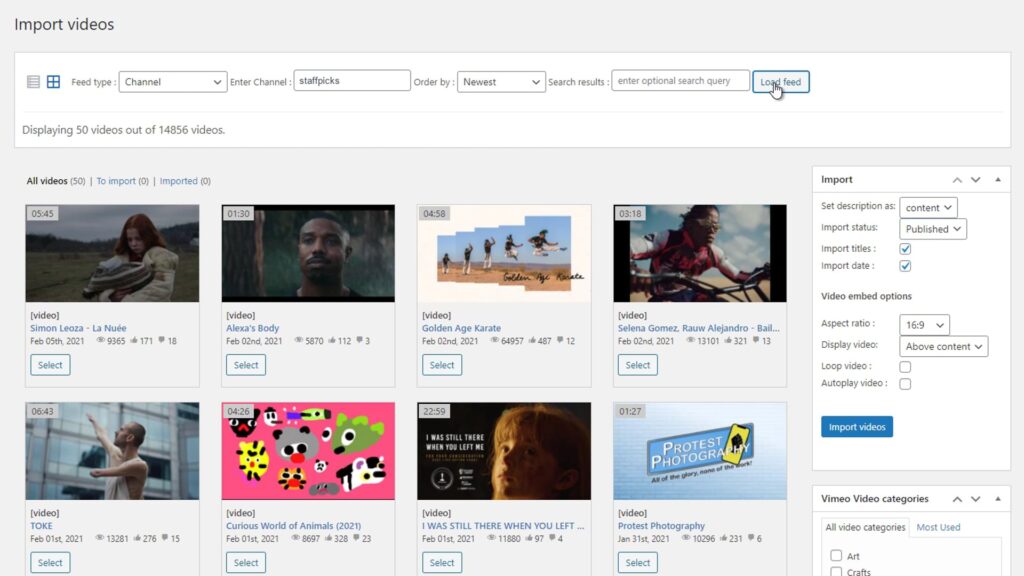
Import videos from Vimeo folders, showcases or portfolios and manage them as WordPress posts. Each video becomes a structured WordPress post with metadata, thumbnails and categories.
- Secure API authentication
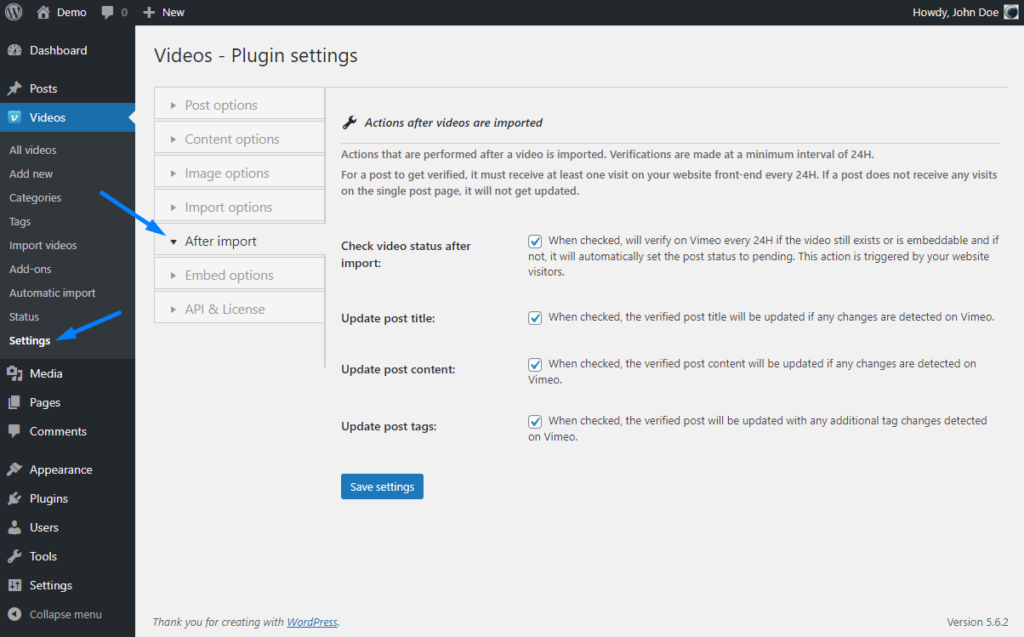
- Automatic data sync
- Import videos as WordPress posts
- Manage content inside WordPress
How to Connect Vimeo API to WordPress
Connect your Vimeo account
Select collections to sync
Choose the Vimeo folders, showcases or portfolios you want to syncronize with your WordPress site.
* No technical setup required. Works with any WordPress theme.
Perfect for developers and content teams
Vimeo membership websites
Online course platforms (LMS)
Video content websites
Built on the Official Vimeo API
- Secure authentication
- Reliable data sync
- Scalable integration
- No custom development needed
Embedding Vimeo Videos vs Using a WordPress Plugin
Custom API integration
- Requires development
- Time-consuming
- Hard to maintain
Using Vimeotheque plugin
- No coding required
- Instant setup
- Automatic import and sync
Frequently Asked Questions About Vimeo WordPress Plugins
Does Vimeotheque use the official Vimeo API?
Do I need coding knowledge to use the Vimeo API?
Can I sync videos automatically using the API?
Can I import videos from folders or showcases using the API?
Yes, Vimeotheque allows importing videos from Vimeo folders, showcases or portfolios via the API.
Is this suitable for large websites?
Yes, the Vimeo API integration is scalable and works for large video libraries and content-heavy websites.
Can I build a custom Vimeo integration without a plugin?
Connect Vimeo to WordPress in Minutes
No coding required. Works with any WordPress theme and builder.