
Embed Vimeo Videos in Elementor (Dynamic Layouts, No Coding Required)
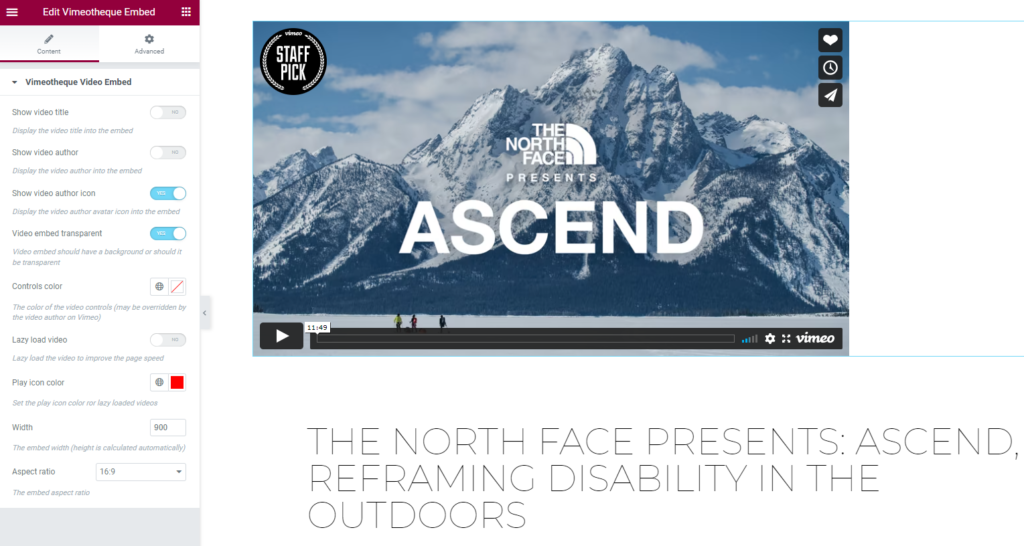
Embedding Vimeo Videos in Elementor Is Limited
Elementor allows embedding individual Vimeo videos, but it lacks automation, dynamic content and scalable video management.
As your video library grows, managing videos manually becomes inefficient and hard to maintain. You are limited to static embeds without structure or control.
- Only single video embeds
- No automation
- No dynamic content
- Hard to scale
Use Vimeo Videos in Elementor as Dynamic Content
Vimeotheque imports Vimeo videos into WordPress as posts, allowing you to use them inside Elementor with dynamic layouts.
Each video is imported as a WordPress post, allowing full control inside Elementor templates and layouts.
Build video galleries, playlists and grids using Elementor templates powered by your imported Vimeo content.
- Import videos as WordPress posts
- Use Elementor dynamic content
- Build video grids and galleries
- Create playlists and series
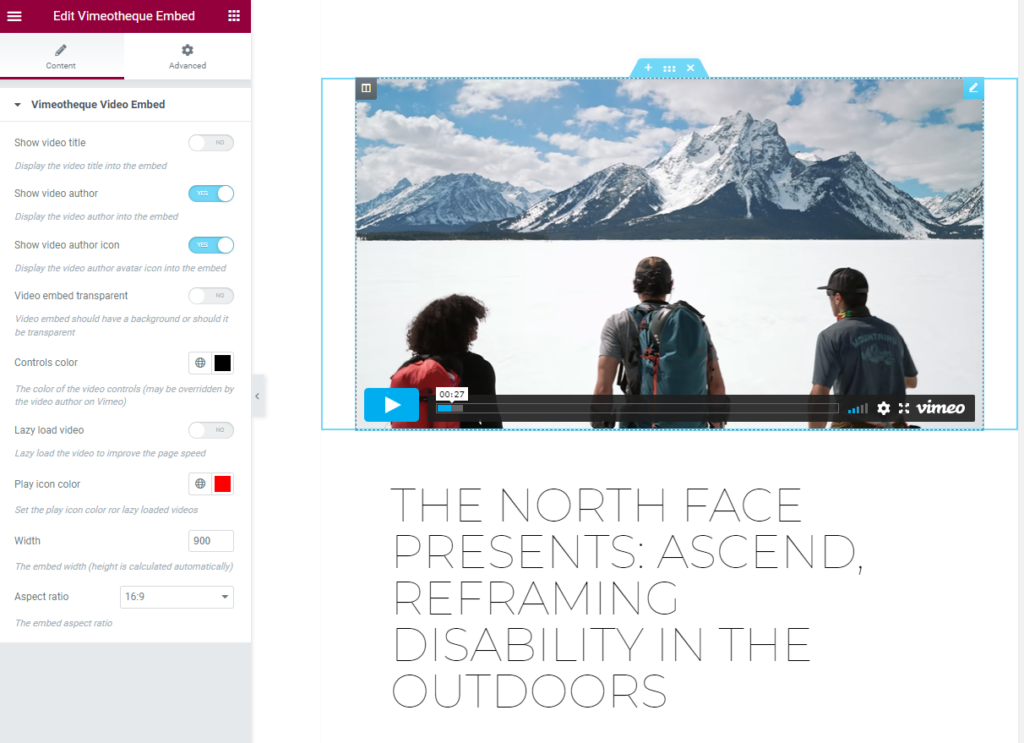
How To Use Vimeo Videos in Elementor
Use Elementor templates or widgets
* No technical setup required. Works with any WordPress theme.
Perfect for Elementor-Based Websites
Vimeo membership websites
Online course platforms (LMS)
Video content websites
Build Dynamic Video Layouts with Elementor
Instead of static embeds, Vimeotheque lets you build dynamic Elementor layouts powered by your Vimeo video content.
- Dynamic templates
- Reusable layouts
- Automatic updates via sync
- Scalable video structure
Embedding Vimeo Videos vs Using a WordPress Plugin
Elementor native embed
- Single video only
- No automation
- No dynamic content or structure
Vimeotheque + Elementor
- Dynamic video layouts
- Auto-updated content
- Structured video posts
- Fully scalable
Frequently Asked Questions About Vimeo WordPress Plugins
Can I use Vimeo videos in Elementor dynamically?
Yes, by importing videos as WordPress posts, you can use them in Elementor templates and dynamic layouts.
Does Elementor support Vimeo video galleries?
Can I create video playlists in Elementor?
Yes, using Vimeotheque playlists and Elementor layouts.
Can videos update automatically in Elementor?
Yes, when using Vimeo sync, videos update automatically across Elementor layouts.
Do I need Elementor Pro?
Can I build video galleries in Elementor using Vimeo?
Yes, by importing Vimeo videos as WordPress posts, you can create video galleries and dynamic layouts in Elementor.