
Import Vimeo Videos as WordPress Posts Automatically
Vimeotheque is a powerful Vimeo WordPress plugin built for scalable video publishing.
Turn your Vimeo videos into structured WordPress posts with titles, thumbnails, metadata and categories — automatically.
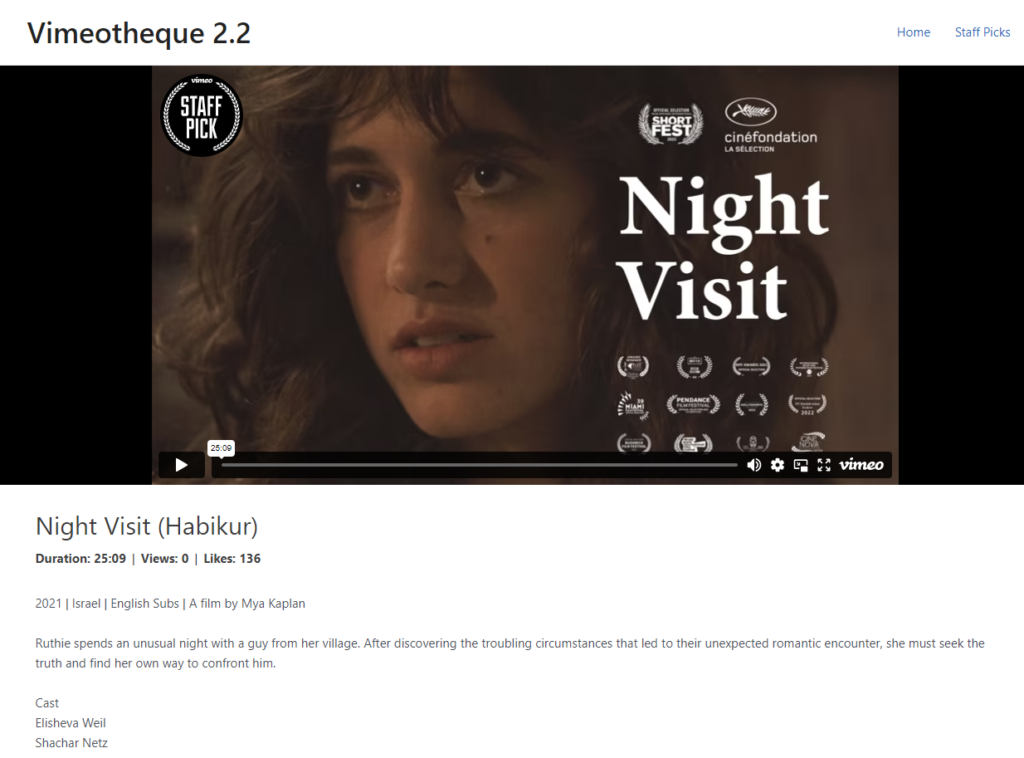
Embedding Vimeo Videos Manually Doesn’t Scale
Embedding Vimeo videos into WordPress manually doesn’t create structured content and becomes difficult to manage as your site grows.
Each video must be added individually, without structure or automation.
- No structured content
- No automation
- No metadata sync
- Hard to manage at scale
Convert Vimeo Videos Into WordPress Posts Automatically
Each video becomes a searchable, SEO-friendly post in WordPress.
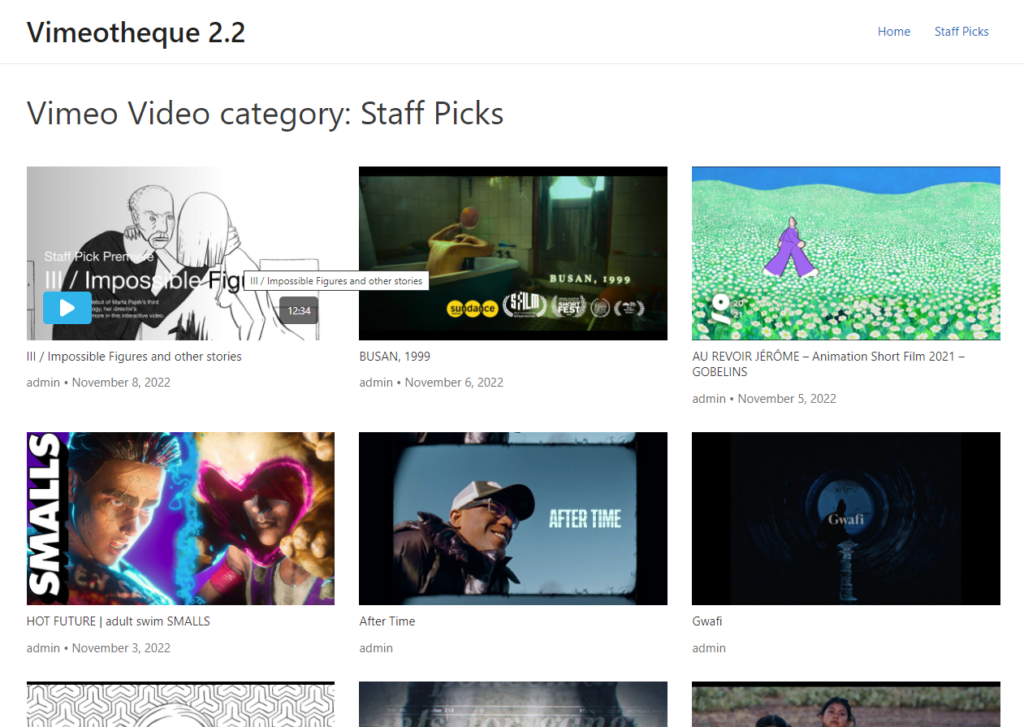
Import videos from Vimeo folders, showcases or portfolios and turn them into structured WordPress content.
Videos are imported using the built-in Vimeo import system.
- Import videos as posts automatically
- Generate titles and descriptions
- Assign categories and taxonomies
- Create scalable content structures
How to Import Vimeo Videos into WordPress
Connect your Vimeo account
Select videos, folders or portfolios
Choose the Vimeo folders, showcases or portfolios you want to syncronize with your WordPress site.
Automatically create WordPress posts
* No technical setup required. Works with any WordPress theme.
Perfect For Dynamic Video Websites
Vimeo membership websites
Online course platforms (LMS)
Video content websites
Create SEO-Friendly Video Content in WordPress
- SEO-friendly video posts
- Categorized content
- Works with themes and builders
- Fully customizable layouts
Embedding Vimeo Videos vs Using a WordPress Plugin
Manual embed
- Copy/paste embed code
- No structure
- No automation
- Hard to scale
Using Vimeotheque plugin
- Automatic post creation
- Structured content
- Metadata included
- Scalable system
Frequently Asked Questions About Vimeo WordPress Plugins
Yes, you can import videos from Vimeo
Does each video become a separate post?
Yes, each video is imported as an individual WordPress post that can be categorized and managed.
Can I organize videos into categories?
Can I import videos from folders or showcases?
Is this better than embedding videos manually?
Yes, importing videos as posts creates structured, scalable and SEO-friendly content.
Turn Your Vimeo Videos Into WordPress Content
Automatically publish and organize your video content without manual work.