
Manage Vimeo Video Permissions in WordPress
Control access to Vimeo videos in WordPress based on user roles and membership levels using the Vimeotheque plugin.
Works with membership plugins • No custom development required
Problem
Controlling Vimeo Video Access in WordPress Is Complex Without the Right Tools
When Vimeo videos are embedded manually, access control depends entirely on Vimeo privacy settings — there is no connection to WordPress user roles or membership status.
This makes it difficult to restrict video content to subscribers, members or specific user groups within WordPress.
- No link between Vimeo privacy and WordPress roles
- Manual embedding bypasses WordPress access control
- Difficult to build gated video content
- No scalable permission management
Link Vimeo Privacy Settings to WordPress User Roles
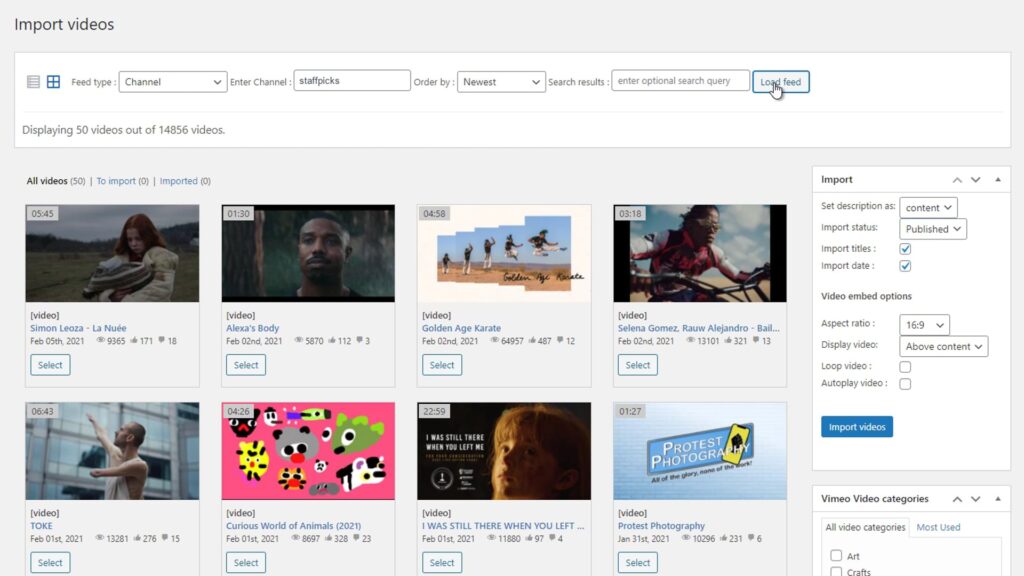
Vimeotheque imports videos as WordPress posts, making it possible to apply standard WordPress access control to every video.
Because videos become real WordPress posts via the Vimeo import system, they integrate with membership plugins and access control rules natively. Works alongside the Vimeo API integration for full privacy control.
- Gate video content by WordPress user role
- Integrate with membership and LMS plugins
- Respect Vimeo domain-level privacy settings
- Manage access without custom development
How Video Permission Management Works
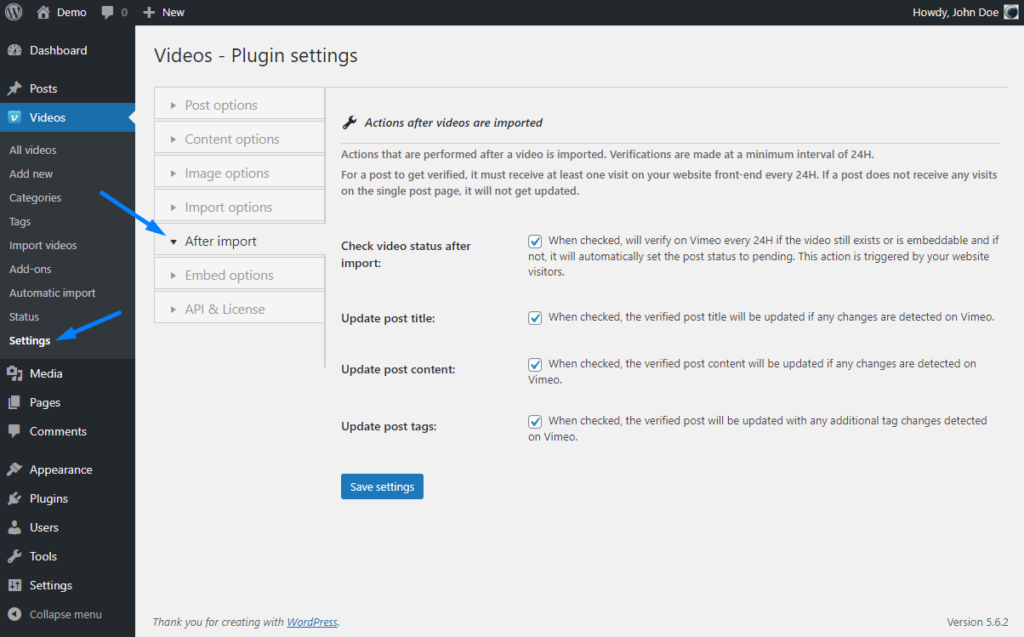
Vimeotheque turns Vimeo videos into WordPress posts, unlocking native access control for all your video content.
01
Import videos as WordPress posts
Each Vimeo video becomes a WordPress post with full metadata, making it subject to standard WordPress access rules.
02
Apply role-based access control
Use WordPress roles, membership plugins or LMS access rules to restrict which users can view specific video posts.
03
Combine with Vimeo privacy settings
Use Vimeo domain-level privacy alongside WordPress access rules for a layered permission model.
* Works with any WordPress membership or access control plugin.
Who Needs Video Permission Management
Permission control is critical for any WordPress site that serves gated or audience-specific video content.
Membership websites
Restrict video posts to paying members using any WordPress membership plugin alongside Vimeotheque.
Online course platforms
Control which learners can access which video lessons based on enrollment or subscription status.
Corporate training portals
Gate training videos by department, role or completion status using WordPress user roles and Vimeotheque.
What You Can Control with Vimeotheque
Because Vimeo videos become WordPress posts, the full range of WordPress access control options becomes available.
- Role-based post visibility
- Membership plugin compatibility
- LMS access rule support
- Vimeo domain-level privacy respect
Embedded Vimeo vs Imported WordPress Posts for Access Control
Manual embedding
- No connection to WordPress roles
- Access controlled only by Vimeo settings
- Hard to restrict per user group
- No membership plugin integration
Using Vimeotheque
- Videos become WordPress posts
- Apply standard WordPress access control
- Integrate with any membership plugin
- Scale permission management easily
FAQ: Vimeo Video Permissions in WordPress
Common questions about controlling access to Vimeo video content in WordPress with Vimeotheque.
Can I restrict Vimeo videos to logged-in users only?
Yes. Because Vimeotheque imports videos as WordPress posts, you can restrict visibility using standard WordPress login requirements or any access control plugin.
Does Vimeotheque work with MemberPress or Restrict Content Pro?
Yes. Since videos are imported as WordPress posts, they are compatible with membership plugins that control post-level access.
Can I use Vimeo domain privacy alongside WordPress permissions?
Yes. Vimeo domain-level privacy prevents direct embedding outside your domain, while WordPress controls who can view the post.
Do permission settings apply automatically to new videos?
Yes. With auto-sync and proper post templates configured, new imported videos inherit your access control settings.
Control Who Sees Your Vimeo Videos in WordPress
Import Vimeo videos as WordPress posts and apply membership-level access control without custom development.
Compatible with any WordPress membership or LMS plugin.