
The Vimeo API enforces rate limits on all applications, including the app that powers your Vimeotheque connection. When you hit the rate limit, imports stop and return an error. Understanding what causes rate limit errors and how to avoid them lets you import large Vimeo libraries into WordPress without interruption.
What Is the Vimeo API Rate Limit
Vimeo limits the number of API requests an application can make within a given time window. The exact limits depend on your Vimeo account plan. Free accounts have lower limits than paid plans. When the limit is reached, the API returns a 429 Too Many Requests response, and no further data is returned until the rate limit window resets.
What Triggers Rate Limit Errors in Vimeotheque
Large Bulk Imports
Importing a folder, showcase, or portfolio with hundreds of videos sends a large number of API requests in a short time: one request to list the collection, and at least one additional request per video for detailed metadata. Importing a collection of 300 videos can generate 300+ API calls within minutes.
Frequent Automatic Sync Intervals
If the automatic Vimeo sync in Vimeotheque PRO is configured to run every few minutes on a large collection, the cumulative number of API requests can exceed your account’s rate limit within hours.
Multiple Sites Sharing One Vimeo App
API rate limits apply per application, not per site. If multiple WordPress installations share the same Vimeo app credentials, their combined API usage counts against the same rate limit bucket.
How to Fix and Prevent Vimeo API Rate Limit Errors
Reduce Import Batch Size
When using the bulk importer for large collections, import in smaller batches. Instead of importing all 500 videos at once, import 100 at a time with breaks between runs. This distributes the API load across multiple rate limit windows.
Increase the Automatic Sync Interval
In the automatic importer settings, change the sync frequency from a short interval to a longer one — daily rather than hourly, for example. For most use cases, a daily sync is sufficient to keep WordPress content in sync with new Vimeo uploads.
Upgrade Your Vimeo Plan
Higher Vimeo account tiers come with increased API rate limits. If your use case requires frequent imports of large collections, upgrading to a Vimeo Pro or Business plan significantly raises the number of requests you can make per day.
Use Separate Vimeo Apps per Site
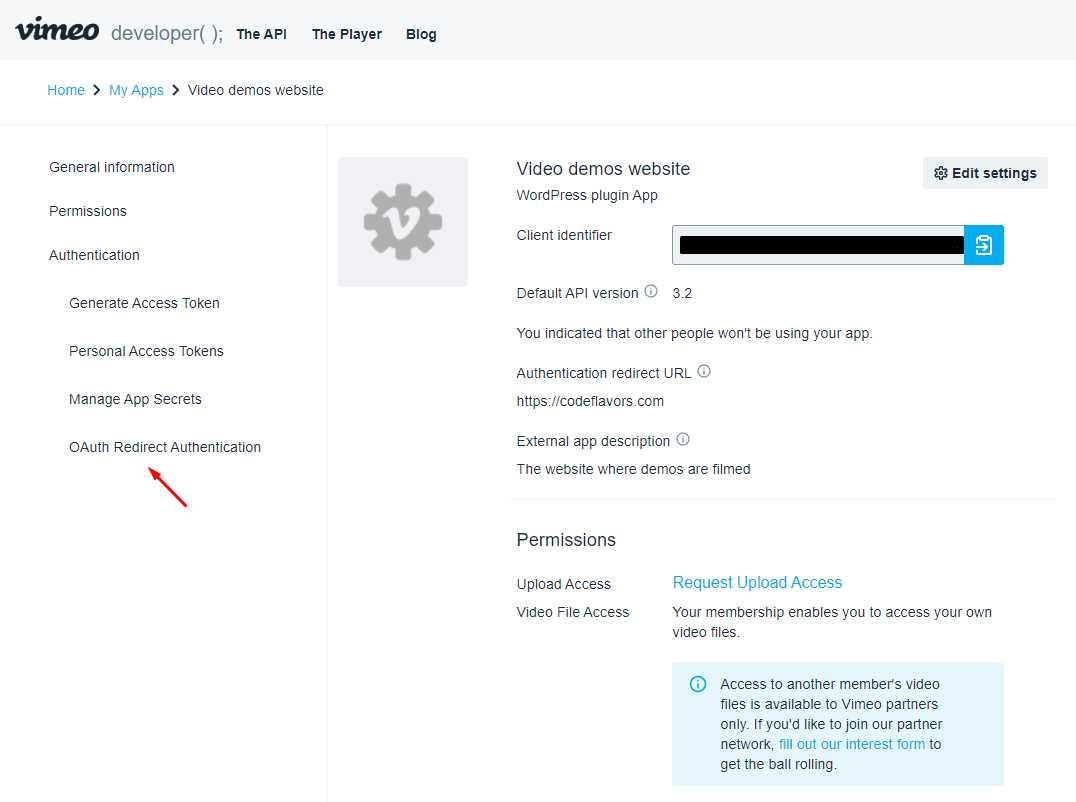
If multiple sites share a Vimeo app, create a separate Vimeo developer app for each site. This gives each site its own rate limit allocation rather than sharing a single bucket.
Checking Your Current Rate Limit Status
The Vimeo API returns rate limit information in the response headers: X-RateLimit-Limit, X-RateLimit-Remaining, and X-RateLimit-Reset. Vimeotheque surfaces these errors in the admin area when they occur. If you see rate limit errors, wait for the reset time indicated in the error before retrying. For ongoing management, review the Vimeo API integration settings to ensure your import schedule is sustainable.
Frequently Asked Questions
What is the Vimeo API rate limit for free accounts?
Vimeo’s rate limits vary by plan and are subject to change. Free accounts have significantly lower limits than paid accounts. Check the Vimeo API documentation for current limits per plan tier.
How long does it take for the Vimeo API rate limit to reset?
Vimeo uses a sliding window rate limit. The reset time is returned in the API response header when the limit is hit. Typically it resets within 15 minutes to 1 hour depending on the specific endpoint and plan.
Can I see how many API requests I have left?
Yes. The Vimeo API returns remaining request count in each response header. Vimeotheque surfaces rate limit errors in the WordPress admin when the limit is reached.
Does running the auto-sync frequently cause rate limit errors?
It can, especially for large collections or low-tier Vimeo accounts. Set the auto-sync interval to daily or less frequent if you are hitting rate limits regularly.
Will splitting imports across multiple sites help?
Only if each site uses a separate Vimeo developer app. Sites sharing the same app share the same rate limit. Create separate apps per site to isolate their rate limit usage.
Configure Vimeo import settings to avoid rate limit issues →